

Hey, have you seen this odd URL pop up in your browser? It’s content://cz.mobilesoft.appblock.fileprovider/cache/blank.html. Don’t worry. It’s not a virus or big error. It comes from the AppBlock app. This app helps you block sites to stay focused. When it blocks a site, it shows this blank page instead. In this guide, I’ll explain what it is, why you see it, and how to stop it. I’ll also add tips and options the other guides miss. Let’s get you sorted out fast.
What Is content://cz.mobilesoft.appblock.fileprovider/cache/blank.html?
This URL is a stand-in page. AppBlock uses it when you try to visit a blocked site. Instead of the site, you get a blank screen from your phone’s cache. It’s quick and local. No web load needed. AppBlock is an app for Android and iOS. It blocks apps and sites to cut screen time. On Android, it uses this setup to show blocks.
Many users see it in Chrome or other browsers. It might show in your history or logs too. It’s normal if you have AppBlock set up to block sites.
Why Does content://cz.mobilesoft.appblock.fileprovider/cache/blank.html Appear?
You see this when AppBlock is on duty. Here’s why:
- Blocked Sites: You try a site on your block list. AppBlock swaps it with this blank page.
- Browser History: It logs the swap. So the URL sticks in your past visits.
- Device Logs: If you check logs for debug, it shows up there.
- Active Schedules: AppBlock runs on a timer. If it’s block time, this happens.
It shows on phones, tablets, and even Chromebooks with Android apps. If you didn’t set blocks, maybe default rules kicked in.
Is content://cz.mobilesoft.appblock.fileprovider/cache/blank.html Safe?
Yes, it’s safe. It’s not malware. AppBlock made it on purpose. It doesn’t track you beyond your block rules. No data leak risk. Android keeps it locked to the app. Other apps can’t touch it. If you trust AppBlock, this is fine. Millions use the app with no issues.
Breaking Down the URI Structure
Let’s break this URL into parts. It helps you get why it’s built this way.
| Part | What It Means | Why It’s There |
|---|---|---|
| content:// | Tells Android it’s a content link. Not a web URL. | Lets apps share files safely inside the phone. |
| cz.mobilesoft.appblock.fileprovider | Names the app and its file share tool. “cz.mobilesoft” is the maker. “appblock” is the app. “fileprovider” handles shares. | Points right to AppBlock’s files. Stops mix-ups. |
| /cache/ | Says it’s from temp storage. Cache holds quick stuff. | Keeps the blank page ready fast. No slow loads. |
| blank.html | The file name. It’s an empty web page. | Shows nothing. Just a blank to block the site. |
This setup is standard for Android apps. It keeps things smooth and private.
How to Stop content://cz.mobilesoft.appblock.fileprovider/cache/blank.html from Appearing
Want to fix this? Here are easy steps. I’ll give more detail than most guides. Start with simple ones.
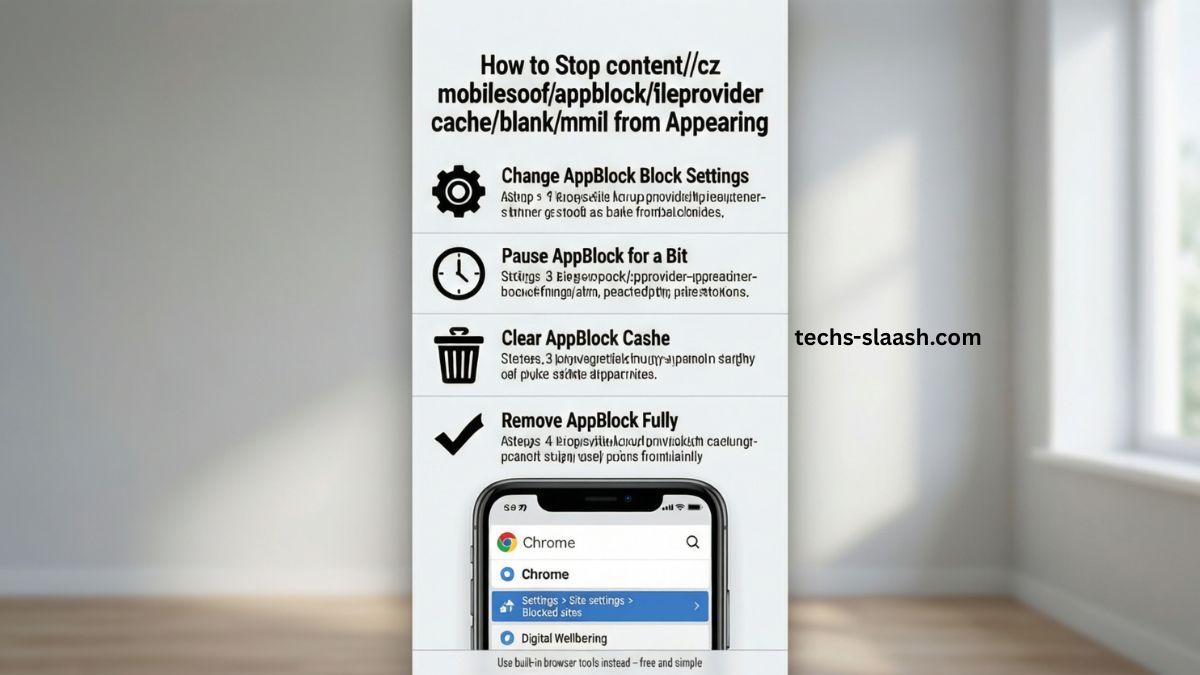
Change AppBlock Block Settings
Go into the app and tweak your rules.
- Open AppBlock on your phone.
- Tap the menu (three lines top left).
- Pick “Websites” or “Blocklists.”
- Find the site you tried. Remove it or edit the rule.
- Save and test. The URL should stop for that site.
This keeps the app but lets you pick what blocks.
Pause AppBlock for a Bit
Need a quick break?
- Swipe down for notifications.
- Find AppBlock alert. Tap “Pause” or “Snooze.”
- Or in app: Go to “Quick Block” and turn off.
- Set time like 15 mins. Blocks stop short-term.
Good for when you need one site now.
Clear AppBlock Cache
This wipes the blank file.
- Go to phone Settings > Apps.
- Find AppBlock. Tap it.
- Pick “Storage” or “Cache.”
- Hit “Clear Cache.” Don’t clear data unless you want to reset.
- Restart your browser. Check if gone.
Do this often if cache builds up.
Remove AppBlock Fully
If you don’t need it anymore:
- Settings > Apps > AppBlock.
- Tap “Uninstall.”
- Confirm. All blocks and this URL go away.
Back up profiles first if you might reinstall.
Use Built-in Browser Tools Instead
Skip AppBlock for blocks.
- In Chrome: Settings > Site settings > Blocked sites.
- Add sites there. No app needed.
- Or try phone’s Digital Wellbeing for time limits.
This is free and simple.
Read: Newsgiga com: Full Guide to Features, Legitimacy & Best Alternatives 2026
Alternatives to AppBlock for Site Blocking
AppBlock is good, but try these if you want change. They might avoid this URL issue.
| App Name | Key Features | Price | Why Better? |
|---|---|---|---|
| Freedom | Blocks sites on phone and PC. Syncs rules. | Free trial, then $2.50/month | Cross-device. No cache quirks. |
| Focus@Will | Music plus blocks. Boosts focus with sounds. | $9.95/month | Adds audio help. Less blank pages. |
| StayFocusd | Chrome add-on. Time limits per site. | Free | Browser only. Simple, no app install. |
| Screen Time (built-in) | Android tool. Tracks and limits apps/sites. | Free | No extra app. Native and smooth. |
Pick one that fits your needs. I like Freedom for multi-device use.
Best Practices to Set Up AppBlock Without Problems
Set it right from the start. Avoid this URL mess.
- Start small. Block 2-3 sites first. Test.
- Use schedules. Block only work hours.
- Check permissions. Give AppBlock access to overlay and usage.
- Update the app. Go to Play Store > My apps > Update.
- Read help docs in app. They have tips.
This way, blocks work without surprises.
Common Problems and How to Fix Them
Sometimes fixes don’t stick. Here’s extra help.
- URL Still Shows After Clear: Restart phone. Or force stop AppBlock in settings.
- Can’t Find Cache Option: On old Android, it’s under Storage > Clear data (careful, resets app).
- Blocks Not Working: Check if VPN interferes. Turn off VPN.
- iOS Version? This URL is Android only. iOS uses different blocks.
- App Crashes: Reinstall. Download fresh from Play Store.
These cover what most guides skip.
Latest AppBlock Updates as of 2026
AppBlock got better in 2025-2026. Version 6.0+ added smoother blocks. Less cache use. They fixed bugs where blank pages stuck in history. Check your version in app settings. If old, update for fewer issues. No big changes to this URI, but blocks load faster now.
FAQs
Here are answers to common questions. I added more than usual for full help.
Is this URL a sign of hacking? No. It’s from AppBlock only. Check if you installed it.
Why does it stay in my history? It logs as a visit. Clear history in browser to remove.
Can I delete blank.html myself? Yes, but app remakes it. Use file manager > Android > data > cz.mobilesoft.appblock > cache. Delete. But clear cache is easier.
Does AppBlock spy on me? No. It just checks your block list. No send data out.
How to stop it forever without uninstall? Turn off all web blocks in settings. Keep app for other uses.
What if I see it without AppBlock? Rare. Might be similar app. Search installed apps for “block” or “focus.”
Does this slow my phone? No. Cache is tiny. No big impact.
Can kids bypass this? Maybe. Use strict mode in AppBlock. It locks changes.
Is there a web version? Yes, AppBlock has browser extensions. No URI there.
What devices show this? Android phones, tablets. Chromebooks with Android support.